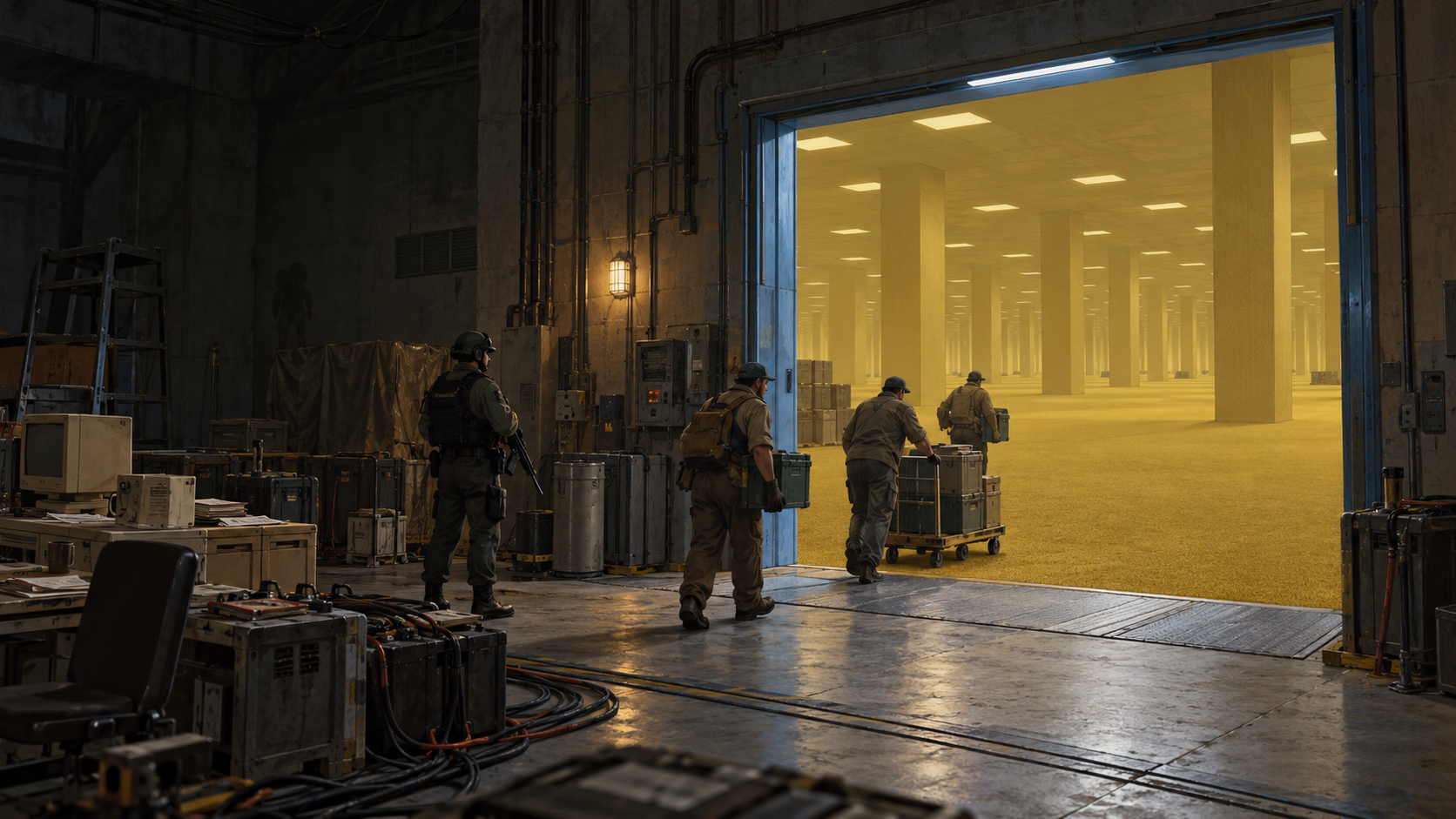
The gate start-up chain end to end: eleven goals, in the order they unlock.
Your first hour
Written for the Async Industries start. The others reach the same place with less in hand.
Open the Operations tab — first on the bottom bar, bound to \ by default.
The eleven checks, in order
Operations → Machine lists all eleven with a light and a tick, and names what to do for each one that is not done.
| # | The check | What satisfies it |
|---|---|---|
| 1 | A door chosen to become the gate | Designate any door |
| 2 | Console, battery and machining table bound to it | Bind all three on the Machine pane |
| 3 | The gate commissioned | A commissioning step on the same pane |
| 4 | Machining table set to gate control | A switch on the table itself |
| 5 | Gate assembled | The assemble gate section bill, four times: 25 steel and 2 industrial components each |
| 6 | An operator assigned | A certified gate operator, on Personnel |
| 7 | The gate calibrated | A certified staff member, once assembly is done |
| 8 | Communications console set to gate control | A switch on the console itself |
| 9 | An address remembered | Somewhere to open to — dial, or take one from a request |
| 10 | The operator standing at the console | A job, not a checkbox |
| 11 | A session opened | Open the connection |
Steps 4 and 8 are two separate switches
The machining table and the communications console each have to be set to gate control. Setting one and not the other leaves the gate looking finished and unable to open, because every other check can read as done.
If you have worked through the list and nothing happens, check both of these. The Machine pane names which one is outstanding.
1. Restore power
The gate needs a real supply and a real reserve.
Ordinary generators and batteries work. Nothing special is required.
The company does build its own utility generator — wood-fired, more output than a standard set for the same footprint, and hungrier and louder for it. Use it or don't. The battery has to be one of the game's own, because a crew's way home is charged from it.
2. Build and bind the gate
On Operations → Machine, designate four things:
| A door | This becomes the gate |
| A comms console | The controls — or the company's own gate console |
| A battery | The reserve |
| A machining table | Where it gets assembled — or the company's own field analysis bench |
The company's own console and bench are built like anything else and do the same jobs. If you have one of each, the gate picks it without asking, so building one settles a choice rather than creating one. A colony that never builds either works exactly as before.
Then commission it, set the table to gate control, and run the assemble gate section bill four times:
25 steel + 2 industrial components   per section
100 steel + 8 industrial components  for all four
The table keeps all of its normal recipes.
Four people can build it at once
Link up to three more machining tables to the gate on the Machine pane, set each to gate control, and queue a section on each. One bench does the same four sections one after another for the same total cost.
A section is not reserved for a bench. Lose a bench halfway through and its unfinished sections are still outstanding on the others, including on the designated table alone.
3. Train a gate operator
The gate needs a certified operator, and you train one. Three train bills exist:
| Bill | Needs |
|---|---|
| train gate operator | Intellectual 4 |
| train field analyst | Intellectual 3 |
| train reserve technician | Crafting 5 |
The first two run on a machining table or a crafting spot; the third needs the table.
Until somebody is certified, the gate cannot be calibrated or opened.
4. Calibrate
A certified staff member calibrates the gate once the assembly is done. The Machine pane numbers every step and shows which are complete.
5. Keep an operator on station
Someone stays at the console while a connection is open. This is a job, not a checkbox — walk them away and the connection drops.
It does not have to be the same someone. Link up to three more communications consoles to the gate and any qualified staff member at any of the four holds it, so one can leave to eat the moment another sits down. See four stations.
6. Pick a crew
As many field staff as you want to send. There is no cap. The planner checks skill, health and carried weight, and names anyone who is not ready.
It also shows who has been through before, and who has walked the exact address you are dialling. An operator who knows the route brings the gate up faster.
Send somebody out with a record book. Your facility starts with company record books lying in it; a crew without one records nothing, and the dispatch will say so.
Right-click a book and pick What is this journal for? if you want the four steps in the game. The full account is in The company.
7. Have somewhere to go
A gate needs an address. Take one from a request, or dial an unknown address and let the gate pick.
8. Open a connection and go
Bringing a connection up is work over time, not an instant. Walk away and it loses charge.
A first opening holds about thirty minutes of real time. Research multiplies that by three per earned tier, and the top rung removes the countdown entirely.
Read the refusal
Operations refuses any opening it cannot complete, and always names the reason:
- the assembly is unfinished
- a building is not set to gate control
- the reserve is below what a return costs
- nobody is certified to operate it
- no qualified operator is at the controls
- no crew is ready
- no address to open to
- no validated way home
- the gate is out of calibration
- the connection was cut deliberately
- too many places are already held open
Fix the named one.
Then
- In the field, record a route, a distortion and an entity observation.
- Come home before the window closes.
- Analyse the recording at a bound laboratory. Analysis is pawn work over time.
- Have a second person review the finished report.
- Spend the insight on a company project.
Nothing in it is timed except the connection itself.
That is the company's loop, not the game
The five steps above are what your employer pays for, and they are the fastest way to learn what a coordinate is. They are not the limit of what you can do with one.
A coordinate is a real map that belongs to you. Build on it, mine it, farm it, store things in it, put a prison in it, hold a room back as somewhere safe. See what a coordinate is for.